
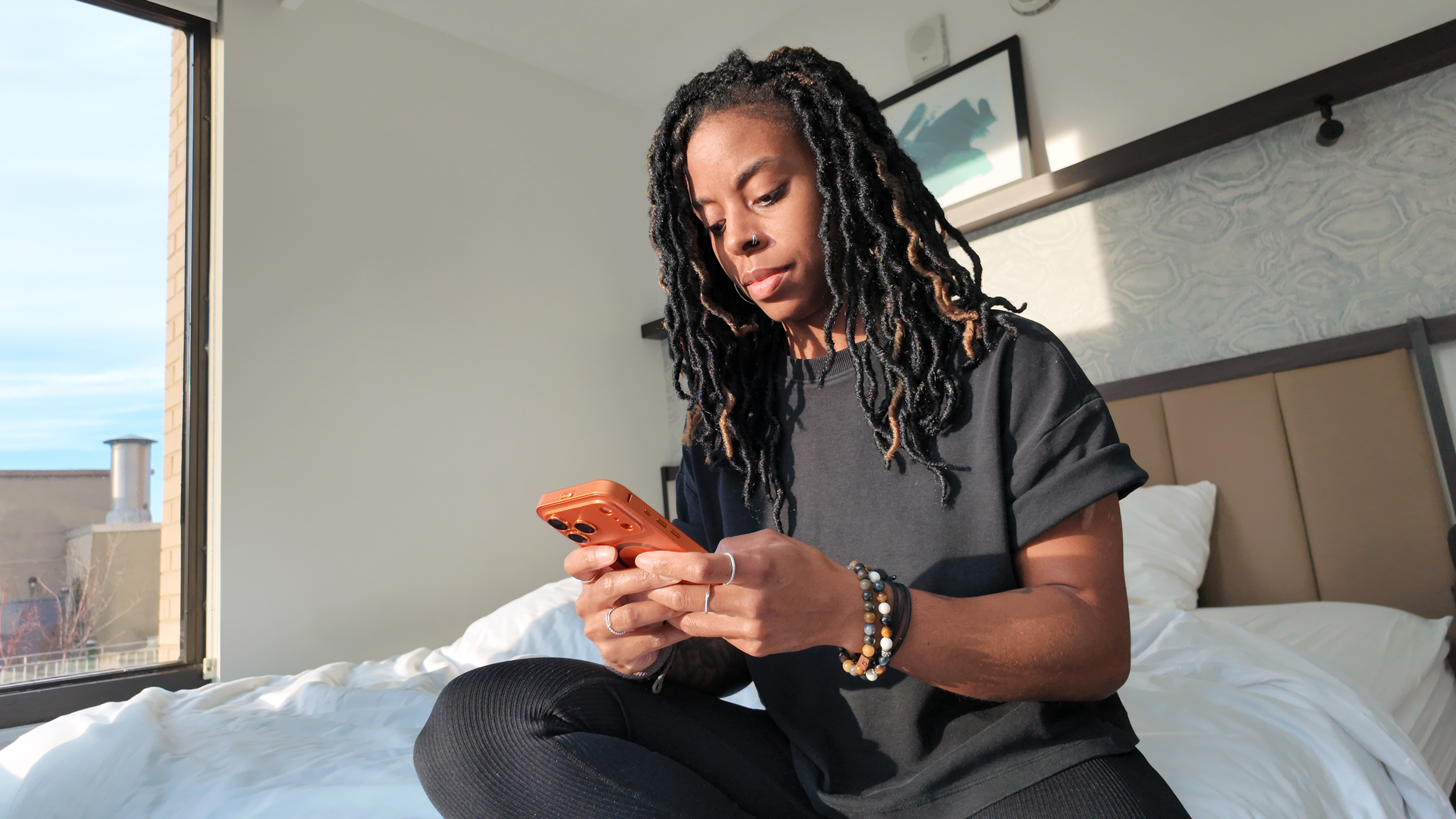
Stop Spending 2 Hours Editing a 60-Second Video
Quick editing lessons in Instagram Edits.
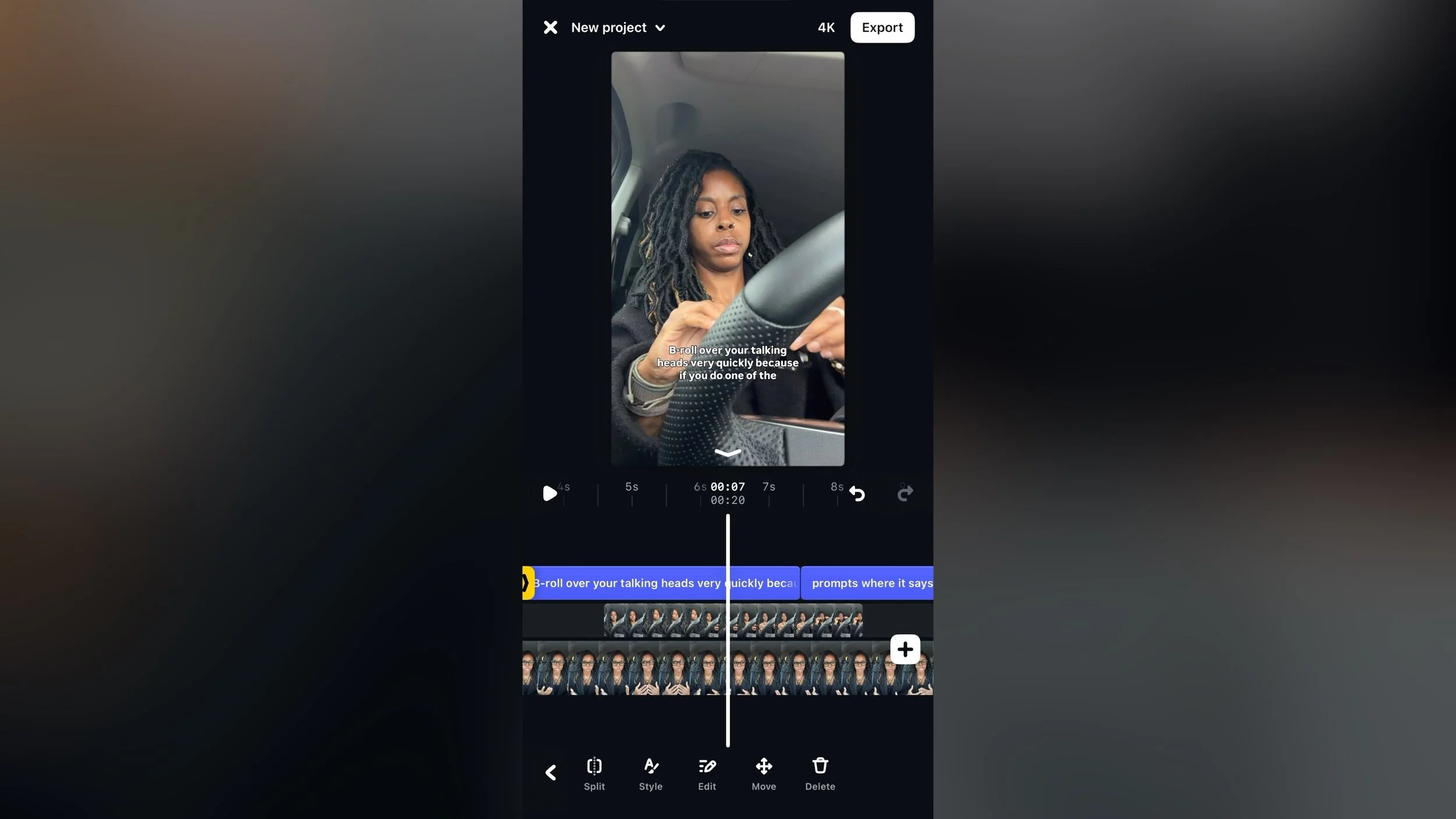
Short lessons for the exact editing task you’re stuck on, so you can finish the edit and post. Not a course. Not overwhelming. Watch what you need. Skip the rest.
More editors (including YouTube Create and Final Cut Pro) will be added over time. You can still edit in Instagram Edits and post to various platforms.
This library gives you exactly what you need to get going.
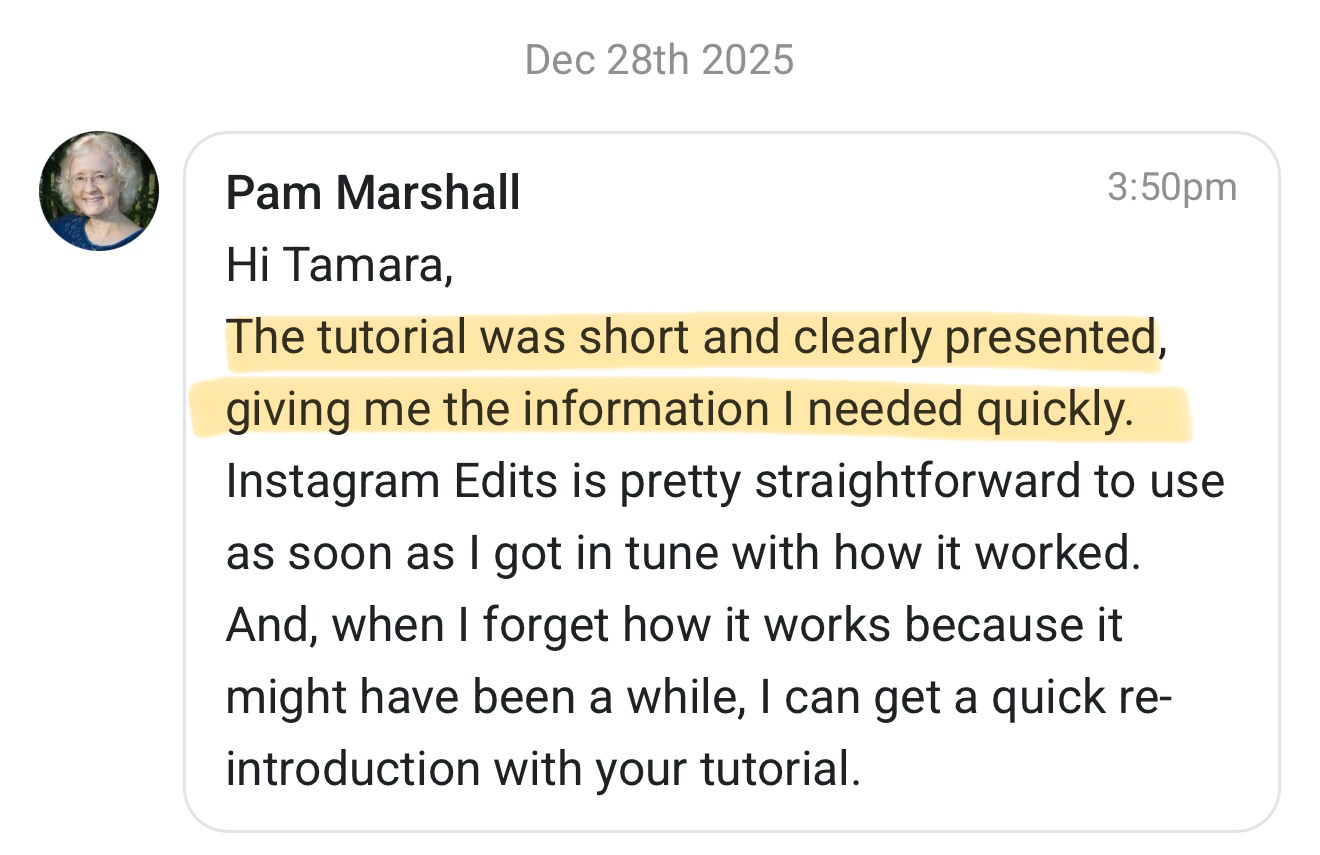
But don’t just take my word for it:
Even If You’ve Never Edited Before
Use these quick lessons to:
Cut dead air so your video doesn’t drag
Add simple B-roll to support what you’re saying
Add music without it fighting your voice
Create a clean montage from short clips
Make a voiceover video when you don’t want to be on camera
Add text and captions without clutter
If a simple 60-second video is turning into a time sink, this gives you the exact fixes to finish faster and move on.
Not a course. Not a full editing system. Just the foundations that get your video done.
F.Y.I
-
Very. Everything is kept simple and clear so you can easily follow along.
-
I recommend Instagram Edits for now. It’s simple, quick and gets the job done. I even use it.
-
No. Quick lessons. Watch what you need to get a video finished.
-
Get immediate access. Watch all the lessons. If editing still feels overwhelming, email me within 14 days for a full refund. No questions asked.
Before you buy…
Quick lessons you can jump into when you’re stuck
Lifetime access + future updates included + instant access to any new lessons
Instant access. Watch what you need. Skip the rest.