DJI Osmo Pocket 4 Settings
For my various filming scenarios
This is exactly how I have my Osmo Pocket 4 set up when I’m filming outdoors, indoors and in low light. There are a few settings I adjust based on the scene, and there are some settings I set that never change:
4K25, Texture -1, Noise Reduction -1, Bitrate: High, Anti-Flicker: Auto
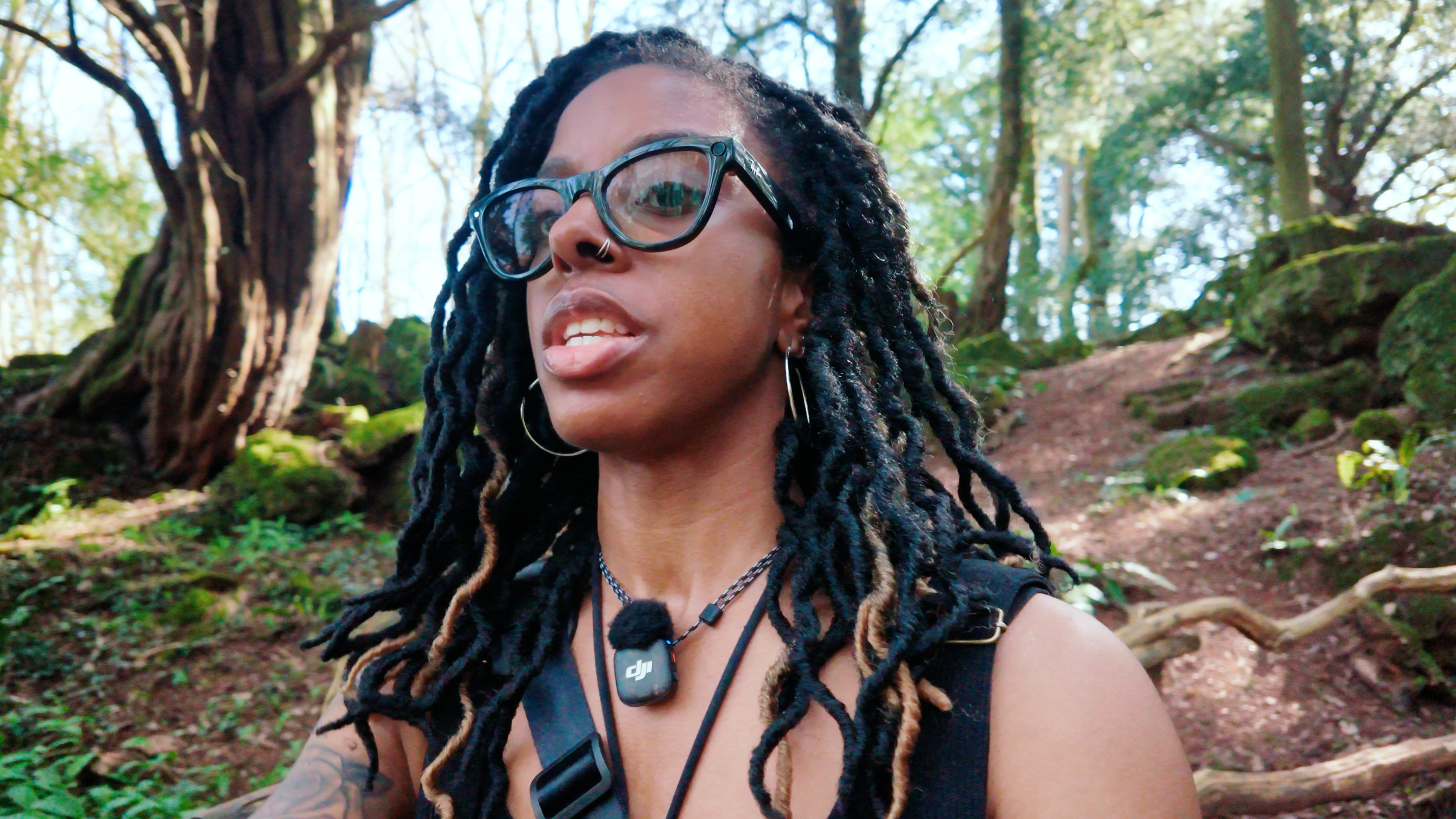
All Weather
Daytime Outdoors
Video Mode
Auto White Balance
Auto ISO 50~12800
EV Meter:
Normal colour: -0.7 EV or -1 EV (With Tone Boost LUT)
Film Tone: -1 EV or -1.3 EV
D-Log: -0.3 EV (Graded with my LUTsor FilmConvert)
On a bright day, add an ND32 filter to reduce harsh highlights and reduce the shutter speed.
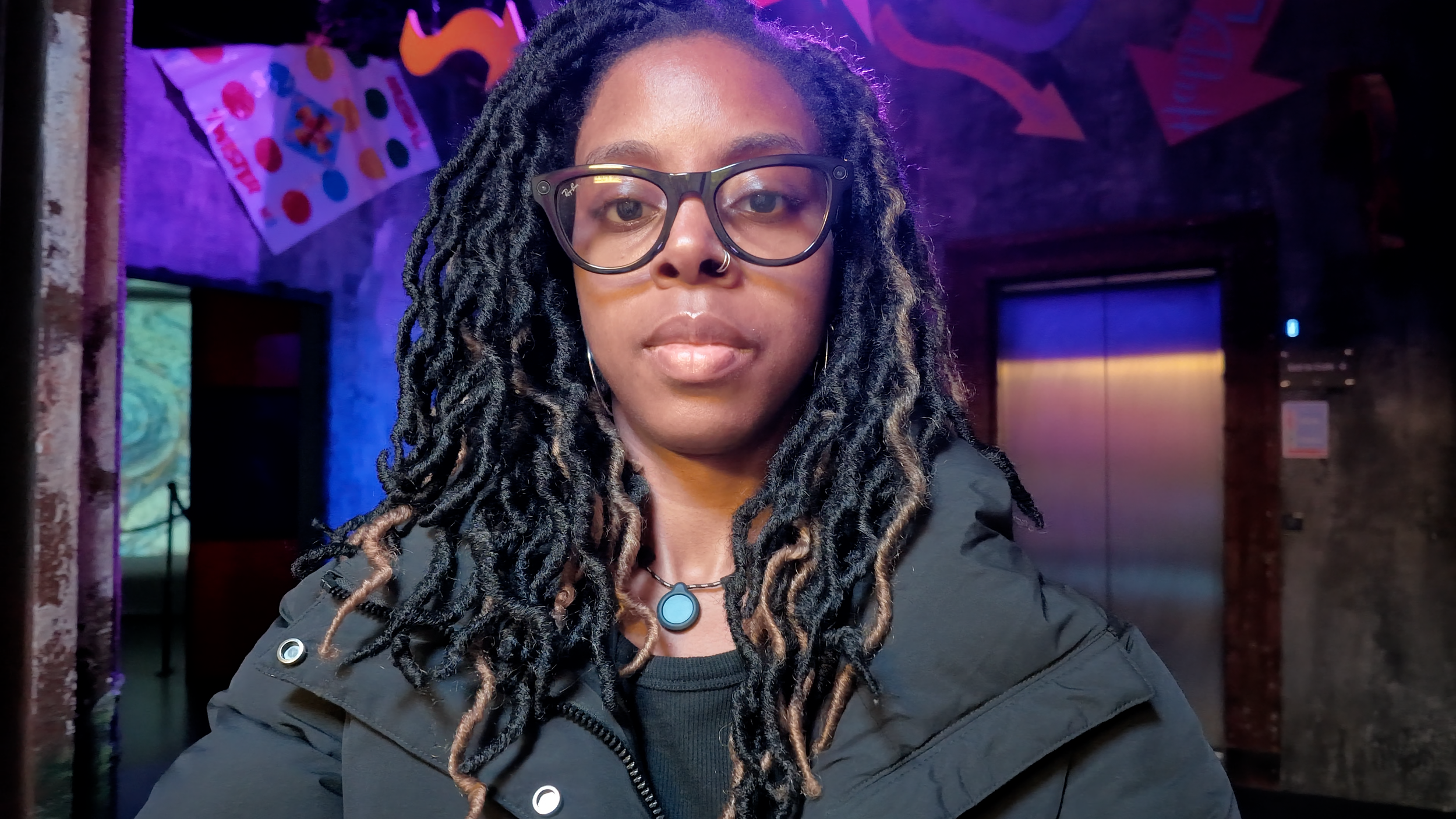
Indoors or Outdoors
Low Light & Night (Uncontrolled Lighting)
Put the camera in Low-Light Mode
Auto White Balance
Shutter Speed: 1/50 (double my 25fps frame rate)
Auto ISO: 50~25600
EV Meter: -0.3 EV (WithTone Boost LUT)
Day or Night
Indoors (Controlled Lighting)
Video mode
Manual White Balance (see below)
Shutter speed: 1/50 (double my 25fps frame rate)
Manual ISO (adjust until you get the desired EV value or close to it or leave the ISO on auto)
EV Meter:
Normal colour: -0.7 EV or -1 EV (With Tone Boost LUT)
Film Tone: -1 EV or -1.3 EV
D-Log: -0.3 EV (Graded with my LUTs or FilmConvert)
Watch this video to see footage examples