
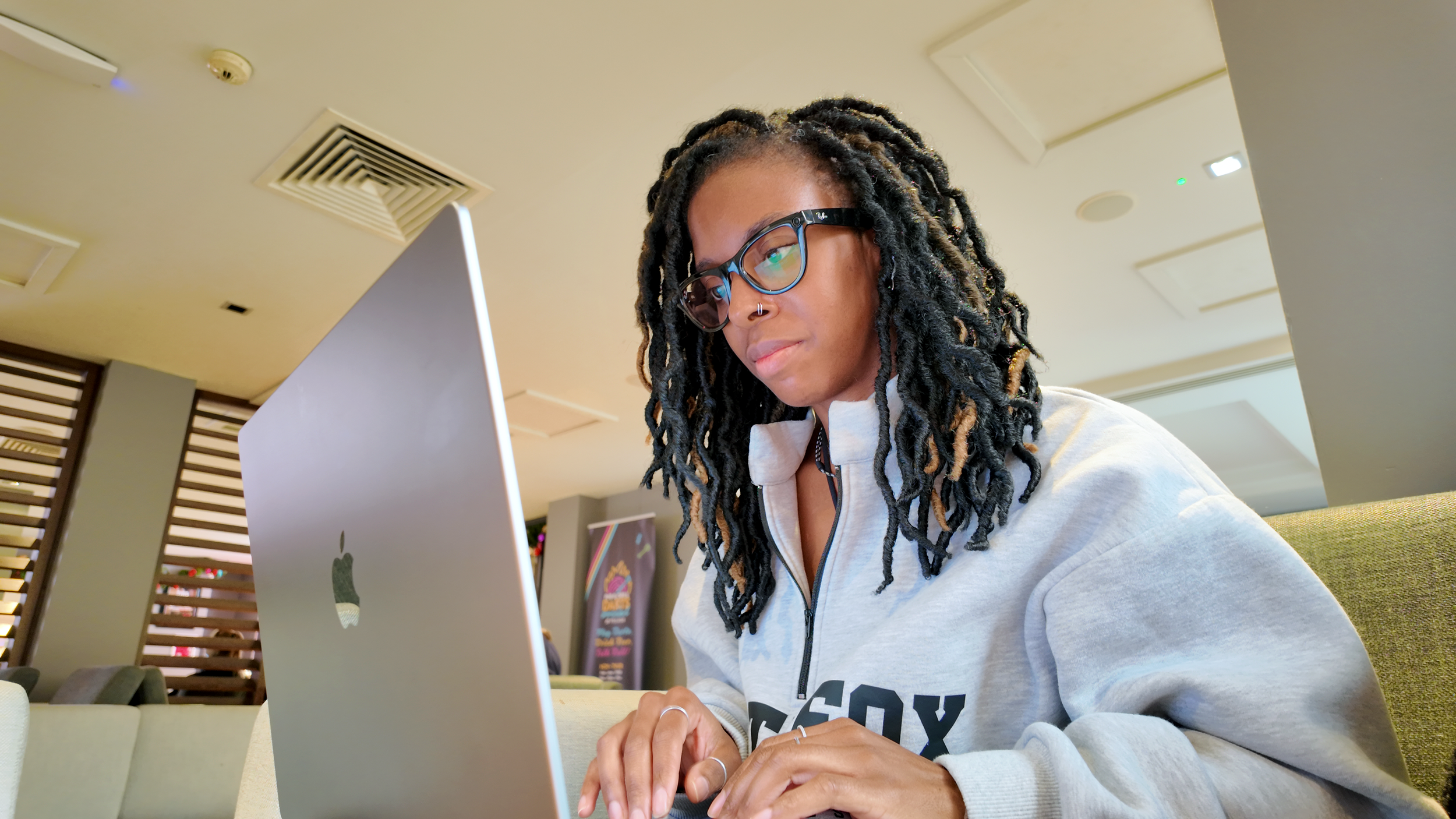
Learn the basics of editing in Final Cut Pro without feeling overwhelmed
A live, beginner-friendly Final Cut Pro workshop that teaches you exactly what you need to know and nothing you don't.
Designed for complete beginners, this 60-minute workshop will help you understand the core tools used in almost every edit, so you can confidently edit your own videos without spending hours figuring things out or making simple edits far more complicated than they need to be. Learn only what you need, not everything Final Cut Pro can do.
The workshop will take place on:
Tuesday, 18th of August 2026 at 8:00 PM (BST)
Is This You?
Who this workshop is for
This workshop is for you if...
You've never edited a video in Final Cut Pro before.
You've opened Final Cut Pro, looked at everything and immediately felt overwhelmed.
You know how to film but have no idea where to start when it comes to editing.
You spend far longer editing than you feel you should because you're constantly searching for tutorials or trying to figure things out.
You want to learn the essential tools and skills needed to confidently edit your own videos without information overload.
You know the video in your head, but you don't know how to put it together.
You're tired of jumping to YouTube tutorials just to do basic things.
You want someone to simply show you what you actually need to know.
Imagine opening Final Cut Pro and actually knowing immediately what to do
That's exactly what this workshop is designed to help you achieve
By the end, you'll understand the essential tools and skills behind almost every edit, giving you the confidence to create videos without feeling overwhelmed.
-
Understand Final Cut Pro Without Feeling Lost
Learn what each part of the interface does, where the tools you need live, and how to confidently start a new project instead of wondering where to begin.
-
Make Editing Feel Simple Instead of Stressful
Master the essential editing tools used in almost every video, so trimming clips, rearranging your story and removing mistakes becomes second nature.
-
Turn Rough Footage into a Finished Video
Use music, B-roll, titles and audio to make your videos feel complete, without getting distracted by features you don't need.
-
Know You're Exporting It Correctly
Leave knowing exactly how to save and export your videos for YouTube or social media, without wondering if you've messed something up.
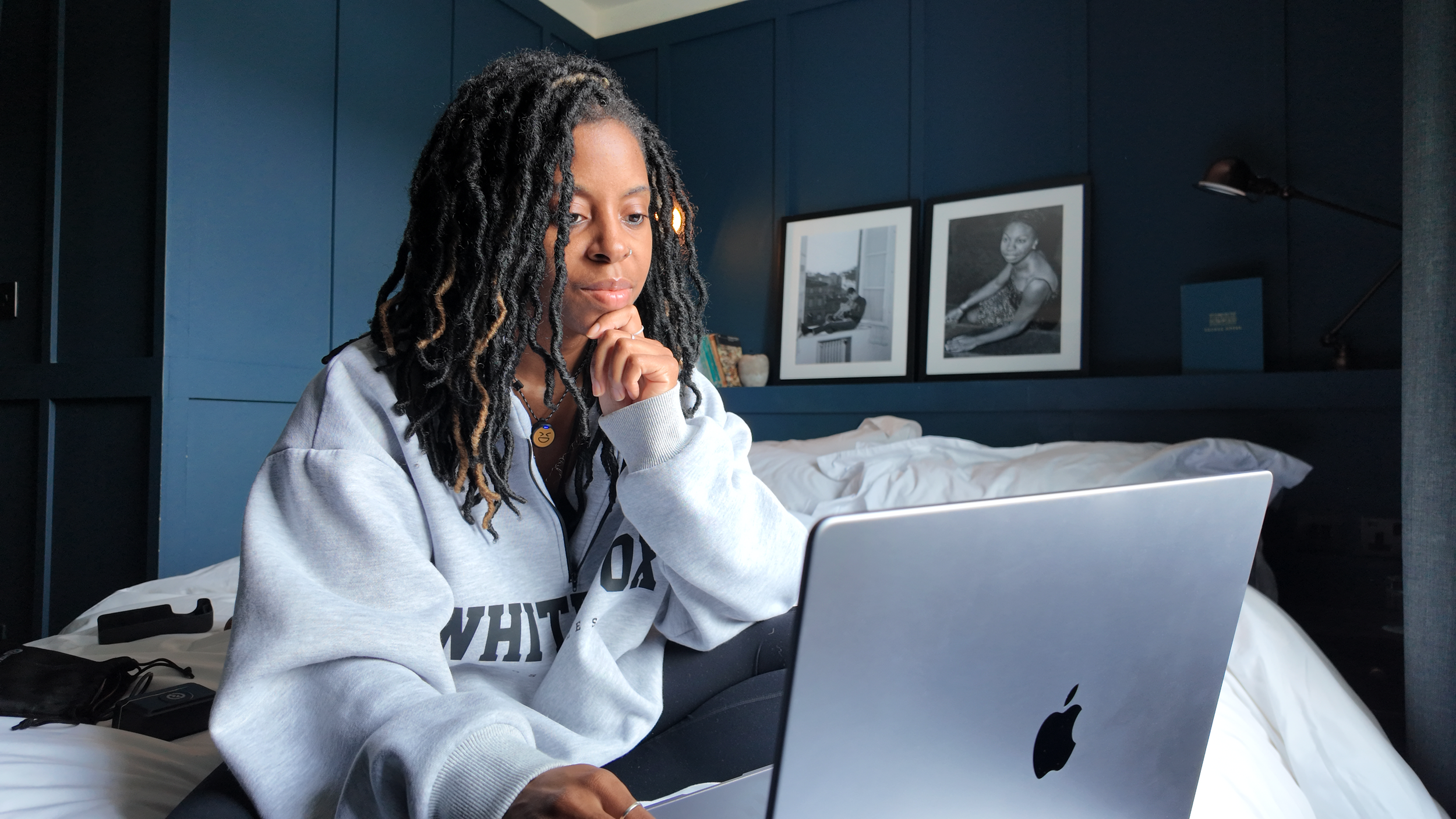
Interactive Workshop
You’re not just watching. You’ll learn by doing.
This is a workshop, not a presentation. You’ll be able to ask questions throughout (no question is a silly question), and if something doesn't make sense, we'll stop and fix it before moving on.
You can even come with a few clips if you'd like to edit a short video alongside me.
My goal isn't to rush through an edit while you watch. I want to make sure you leave understanding the essentials so you can confidently edit your own videos.
By the end, you'll know exactly how to edit your own videos in Final Cut Pro without feeling overwhelmed by learning to import footage confidently. Build a complete edit. Add music. Add text. Use B-roll. Balance audio. And finally, export your finished video.
What this workshop isn't…
This workshop focuses on the fundamentals of editing in Final Cut Pro. It's not about working with complex timelines or spending hours crafting a single video.
If you've ever opened Final Cut Pro and felt overwhelmed, this is where to start. Once you understand the basics, you'll have the confidence to take on more creative and advanced editing techniques in the future.
Answering Your Queries
A few things you might be wondering…
-
Tuesday, 18th of August 2026 at 8PM (BST).
You’ll receive details in an email on the day of the workshop, which will allow you to join via Zoom.
-
Yes. This workshop is designed specifically for complete beginners. I'll assume no prior editing experience and guide you through everything step by step.
-
Not at all. You're welcome to simply watch and take notes, or you can bring a few clips and edit alongside me as we go. The choice is yours.
-
Absolutely. This is an interactive workshop, not a webinar. We'll pause regularly for questions, so if something isn't clear, we'll work through it before moving on.
-
Yes. You'll have access to the workshop replay for 7 days, so you can revisit anything you want to go over again.
-
No, and that's intentional. This workshop focuses on the essential handful of tools and skills you'll use on for your edits. The goal is to help you confidently edit your own videos without feeling overwhelmed by features you don't need.
-
No problem. You'll still receive access to the replay for 7 days, so you can watch the workshop at a time that suits you.
-
As this is a live workshop, refunds aren't available.
If something comes up and you're unable to attend, you'll still receive the full workshop replay for 7 days.